
Have you ever looked at someone else's signature and wondered how they created such a distinctive style?
Some signatures are simple and easy to read. Others have beautiful cursive letters, smooth curves, or a unique finishing stroke. A signature may contain only a person's name, but the way it is written can make it feel personal.
If you are looking for a new signature for your name, you do not need to be an artist or a calligraphy expert. Sometimes, all you need is a little inspiration and the chance to explore a few different styles.
In this guide, we will look at how to choose a handwritten signature style, what makes a signature practical, and how an online signature generator can help you explore ideas without spending hours experimenting on paper.
What Is a Handwritten Signature?
A handwritten signature is a person's name or identifying mark written by hand to represent them. People use signatures in everyday life, from signing letters and acknowledging documents to personalising cards and correspondence.
Every person has a different writing style. Some people write their full name clearly, while others use initials, joined-up letters, or a shortened version of their name.
There is no single design that suits everyone. A useful signature is one that fits your needs, feels comfortable to write, and can be reproduced consistently.
A handwritten-style signature created with a digital tool is different from a signature physically written by hand. The digital version can help you explore designs and visual styles, but you should follow the requirements of any organisation or document that asks for your actual handwritten signature.
Why Do People Look for Signature Ideas?
Choosing a signature may seem like a small task, but many people give it more thought than they expect.
1. Creating a Professional Appearance
Students entering the workplace, new employees, freelancers, and business owners may want a signature that looks appropriate for professional settings.
A simple, well-balanced signature can be a good starting point. It does not need complicated loops or decorative lines to look polished.
2. Finding a Signature That Suits Your Name
Some names look attractive in flowing cursive letters, while others work better with shorter strokes or initials.
Experimenting with different signature styles can help you discover which letter shapes and combinations you prefer.
3. Exploring a New Personal Style
Perhaps you have used the same signature for years and would like to explore something different. Or perhaps you are still developing your signature and have not found a style that feels right.
Looking at different examples can help you identify the features you like, such as a large first letter, connected characters, or a simple underline.
4. Saving Time During the Design Process
Trying to create every variation by hand can become repetitive. A handwritten signature generator gives you a convenient starting point for exploring different visual styles.
Instead of beginning with a blank page, you can compare ideas and decide which direction you want to explore further.
Popular Handwritten Signature Styles
There are many ways to write a name. Here are a few styles worth exploring when creating a personal signature.
Simple and Minimal Signature
A minimal signature uses clean, uncomplicated strokes. It may include a clearly written first name, initials, or a shortened form of the full name.
This style is worth considering if you prefer something practical rather than decorative.
The main benefit is simplicity. A signature with fewer complicated strokes may be easier to reproduce consistently when writing by hand.
Elegant Cursive Signature
Cursive signatures use connected letters and flowing strokes. They often have a softer, more decorative appearance than ordinary handwriting.
You might explore this style if you like smooth curves and joined-up letters.
However, avoid adding so many flourishes that your signature becomes difficult to reproduce. A little decoration can be enough.
Professional Signature Style
A professional-looking signature does not have to be elaborate. It may use a clear first initial, a distinctive surname, and balanced letter spacing.
The goal is to find a style that feels suitable for your everyday professional life while remaining practical to write.
If you need to sign documents regularly, consider how the design will look when written quickly with a pen.
Bold Signature
Some people prefer larger letters, stronger strokes, or a more noticeable first initial.
A bold signature can be visually distinctive, but it should still feel comfortable when written by hand.
Try comparing a bold version of your name with a simpler version before deciding which one you prefer.
Creative Signature
A creative signature may include artistic letter shapes, a flowing ending, or a distinctive initial.
This style can be enjoyable to explore when you want something less traditional. It is especially useful as inspiration for personal stationery or creative projects.
For signatures used on important documents, remember that practical requirements matter more than decoration.
How to Choose the Best Signature Style for Your Name
The best signature style is not necessarily the most complicated one. It is the one that suits your preferences and practical needs.
Here are a few things to consider.
Start with your full name. Write your first and last name and see how the letters flow together. Pay attention to letters that naturally connect or create an interesting shape.
Experiment with initials. Some people prefer to emphasise the first letter of their first name or surname. Try a few variations to see whether this improves the overall balance.
Keep readability in mind. A signature does not always need to show every letter clearly, but it should be comfortable for you to recognise and reproduce.
Think about everyday use. If you regularly sign paper documents, choose a style you can practise and reproduce without unnecessary effort.
Compare several versions. Do not settle on the first design you see. Exploring a few alternatives may help you discover a style you like more.
Practise your chosen style. If your goal is to develop a physical signature, write it repeatedly on paper. A digital preview can provide inspiration, but practice helps you build consistency.
How to Create a Handwritten Signature Online
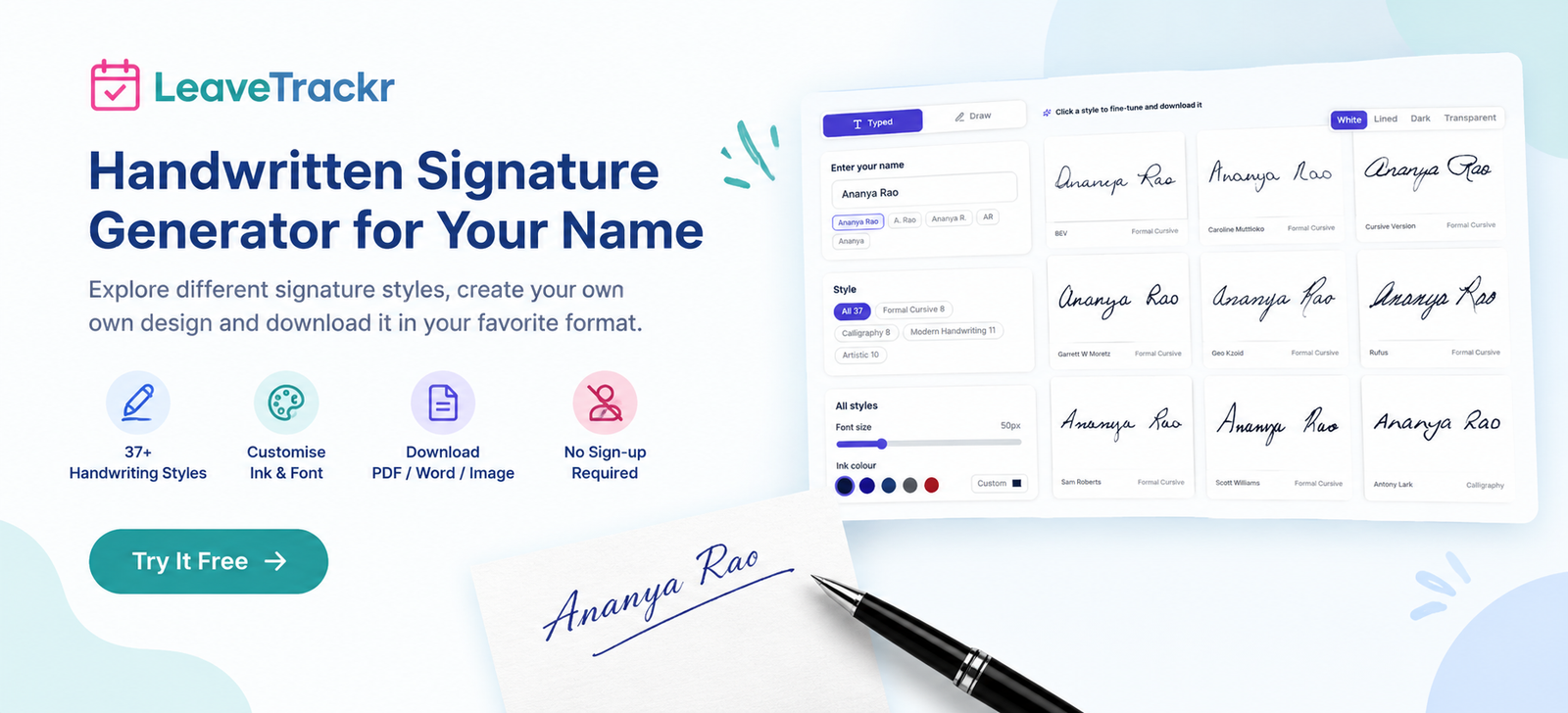
If you want to explore different signature designs without drawing each one from scratch, an online signature maker can be a useful starting point.
LeaveTrackr offers a Handwritten Signature Maker that you can access here:
https://leavetrackr.com/tools/handwritten-signature-maker
The tool is intended to make it easier to explore handwritten-style signatures online.
Here is a simple process you can follow.
Step 1: Open the Signature Maker
Visit the LeaveTrackr Handwritten Signature Maker in your browser. You can start from the tool page without installing separate design software.
Step 2: Enter Your Name
Use the name or initials you want to explore. Check the spelling carefully, especially if you intend to use the design in a personal project.
Step 3: Explore the Available Styles
Compare the handwriting styles offered by the tool. Look for letter shapes, curves, and spacing that match your preferences.
You may discover that a simple design suits your name better than an elaborate cursive style.
Step 4: Review the Result
Take a moment to compare the designs. Consider whether the signature looks balanced and whether it would be practical to reproduce by hand if that is your goal.
Step 5: Download or Use the Result
Follow the available download options on the tool page. Before using a generated signature image, check the requirements of the document, service, or organisation where you intend to use it.
You can begin exploring here: Try the LeaveTrackr Handwritten Signature Maker
Can You Use a Generated Signature on Official Documents?
This is an important question.
A signature image created with a handwritten signature generator is not automatically accepted for every official or legal purpose.
Different organisations may have different rules. A school, examination authority, bank, employer, government portal, or other institution may require a signature written by hand on paper, a scanned copy of that signature, an electronic signature through an approved service, or a digital signature certificate.
These are not necessarily interchangeable.
If a form specifically asks you to sign by hand, write your signature yourself and follow the submission instructions. If a document requires an approved electronic or digital signature, use the method specified by the organisation.
A signature generator is useful for exploring designs, creating visual examples, and preparing certain digital materials where such an image is accepted. It should not be treated as a guarantee of legal validity.
Common Mistakes to Avoid When Designing a Signature
When exploring signature ideas, it is easy to focus entirely on appearance. A few practical checks can help you make a better choice.
Making the Design Too Complicated
Long flourishes and intricate letter shapes may look attractive in a preview, but they can be difficult to reproduce consistently.
Try a simpler version before adding extra details.
Choosing a Style That Feels Unnatural
A design may look impressive on a screen but feel uncomfortable when you attempt to write it with a pen.
If you want a signature for everyday handwriting, practise it before settling on the design.
Ignoring the Intended Use
A decorative signature image for a design project has different requirements from a handwritten signature for a government application.
Always consider where and how the signature will be used.
Forgetting Consistency
If you want to develop a new physical signature, practising the same basic movements can help you become more consistent over time.
You do not need to reproduce every tiny detail perfectly. Focus on a design that feels natural and repeatable.
Assuming Every Digital Signature Is the Same
A handwritten-style image, an electronic signature, and a cryptographic digital signature are different concepts. Check what is required before submitting an important document.
Frequently Asked Questions
What is the best signature style for my name?
There is no universal best style. A simple, readable design may suit one person, while another may prefer flowing cursive letters. Try a few options and choose one that fits your needs.
Can I create a signature online for free?
You can explore free online signature-making tools, including the LeaveTrackr Handwritten Signature Maker. Check the tool page for its current features and available download options.
How can I make my signature look more professional?
Start with a balanced design, avoid unnecessary decoration, and choose letter shapes that suit your name. If you need to write the signature by hand, practise it until it feels comfortable.
Should my signature be easy to read?
Not every signature is fully readable, but it should be practical for your intended use. Consider the expectations of the organisation or document that will receive it.
Is a generated signature image the same as my handwritten signature?
No. A digitally generated image can resemble handwriting, but it is not the same as physically writing your signature with a pen. Follow any requirements for original handwriting.
Can I use a signature generator for official applications?
That depends on the specific application rules. Some organisations require a physical handwritten signature or a particular electronic signing method. Check the official instructions before using a generated image.
Final Thoughts
A signature does not have to be complicated to feel personal. Sometimes, a few simple strokes are all you need to create a style that suits your name.
The most useful approach is to explore different ideas, compare the available styles, and think about how you intend to use your signature. If you want a signature that you can write by hand every day, remember to practise it rather than relying only on a digital preview.
If you would like to explore signature ideas without starting from a blank page, try the LeaveTrackr Handwritten Signature Maker.
Create and explore your signature style here: https://leavetrackr.com/tools/handwritten-signature-maker
Your name is personal. Take the time to find a signature style that feels right for you.